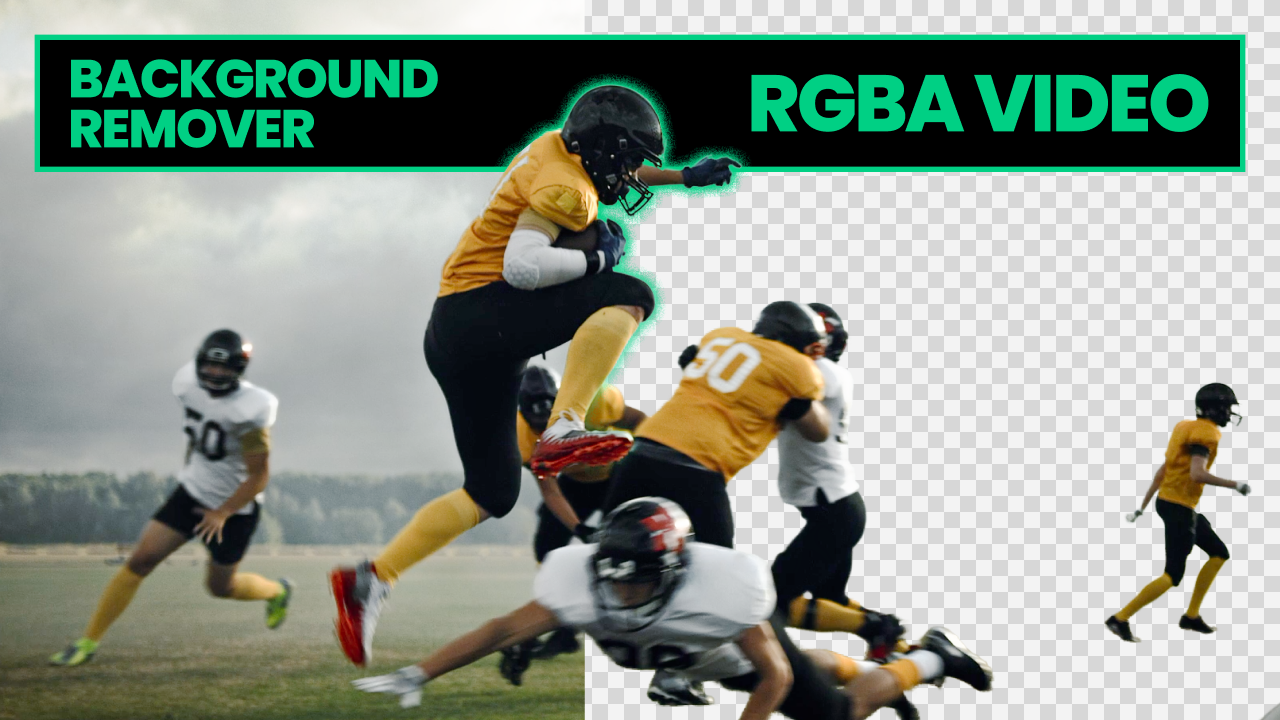
Unscreen shut down on December 1, 2025, after being acquired by Canva. If you relied on it for video background removal, you need a replacement. Beeble Background Remover picks up where Unscreen left off — and goes further.
What Unscreen did well
Unscreen earned its reputation for a reason. It was one of the only dedicated tools for video background removal. You uploaded a clip, it removed the background, and you got your result. No editing skills required, no expensive software licenses, no manual frame-by-frame work.
For creators, marketers, and small production teams, Unscreen made video keying accessible. It filled a real need that the big editing suites didn't address — quick, automated video background removal without the learning curve of After Effects or Nuke.
That simplicity mattered, and the gap it left is real.
Where Unscreen fell short
Unscreen was built for convenience, not for production work. If you used it professionally, you probably ran into its limits:
- Alpha quality — edges were soft, with visible haloing around hair and fine details. Good enough for social media, not for compositing over complex backgrounds.
- No PNG sequence export — output was compressed video, which meant quality loss and no clean alpha channel for compositing software.
- Limited controllability — fully automatic with no way to guide the extraction when the default result wasn't right.
- Image-only limitations — while it handled video, the per-frame processing often produced temporal inconsistencies.
These weren't dealbreakers for casual use. But for anyone trying to use the output in a real post-production pipeline, they added up.
Beeble Background Remover
Beeble Background Remover does everything Unscreen did — cloud-based, automated video and image background removal — while addressing the limitations that kept Unscreen out of professional workflows.
Cleaner alpha mattes
Beeble generates alpha channels that preserve partial transparency at edges. Hair, fur, and semi-transparent materials come through with natural falloff instead of hard, haloed edges. The matte quality is the kind you can actually composite over detailed backgrounds without cleanup.
PNG sequence export
This is the biggest practical upgrade. Instead of compressed video output, Beeble exports PNG sequences — individual 8-bit PNG frames with embedded alpha. Drop them directly into After Effects, Nuke, DaVinci Resolve, or any compositing tool. No re-encoding, no format conversion, no quality loss.
Temporal consistency
Beeble processes video as a sequence, not as independent frames. Edges stay consistent across frames without the shimmer and flicker that plagued per-frame approaches. The result is footage you can use in a timeline without spending hours fixing frame-to-frame inconsistencies.
Controllability
When automatic detection doesn't get it right, you can guide the extraction. Select what to keep, adjust the matte, and refine the result — rather than accepting whatever the algorithm decided and working around it in post.
Unscreen vs Beeble at a glance
| Feature | Unscreen | Beeble Background Remover |
|---|---|---|
| Video background removal | Yes | Yes |
| Image background removal | Yes | Yes |
| Cloud-based processing | Yes | Yes |
| Alpha matte quality | Consumer-grade | Pro-grade |
| Hair and fine edge handling | Soft, haloed edges | Clean partial transparency |
| PNG sequence export | No | Yes |
| Manual controllability | No | Yes |
| Temporal consistency | Per-frame | Sequence-aware |
| Compositing pipeline ready | Limited | Yes |
Getting started
The switch from Unscreen is straightforward:
- Sign up at beeble.ai
- Upload your image or video
- Configure the extraction settings
- Download as PNG or PNG sequence with alpha
Processing runs on cloud GPUs. Credit-based pricing — you pay for what you use.
More than a replacement
Beeble isn't just a background removal tool. It's a VFX platform with relighting, PBR extraction, and generative video transformation. Once you've extracted your subject, you can relight it, place it in a new environment, or transform it — all within the same platform.
What you lost with Unscreen was a good, simple tool. What you're getting with Beeble is an upgrade — the same ease of use, better output quality, and a path into workflows that Unscreen was never built for.