Relight explosive scenes directly inside Nuke with Beeble
"Beeble's Nuke plugin ties directly into professional workflows."
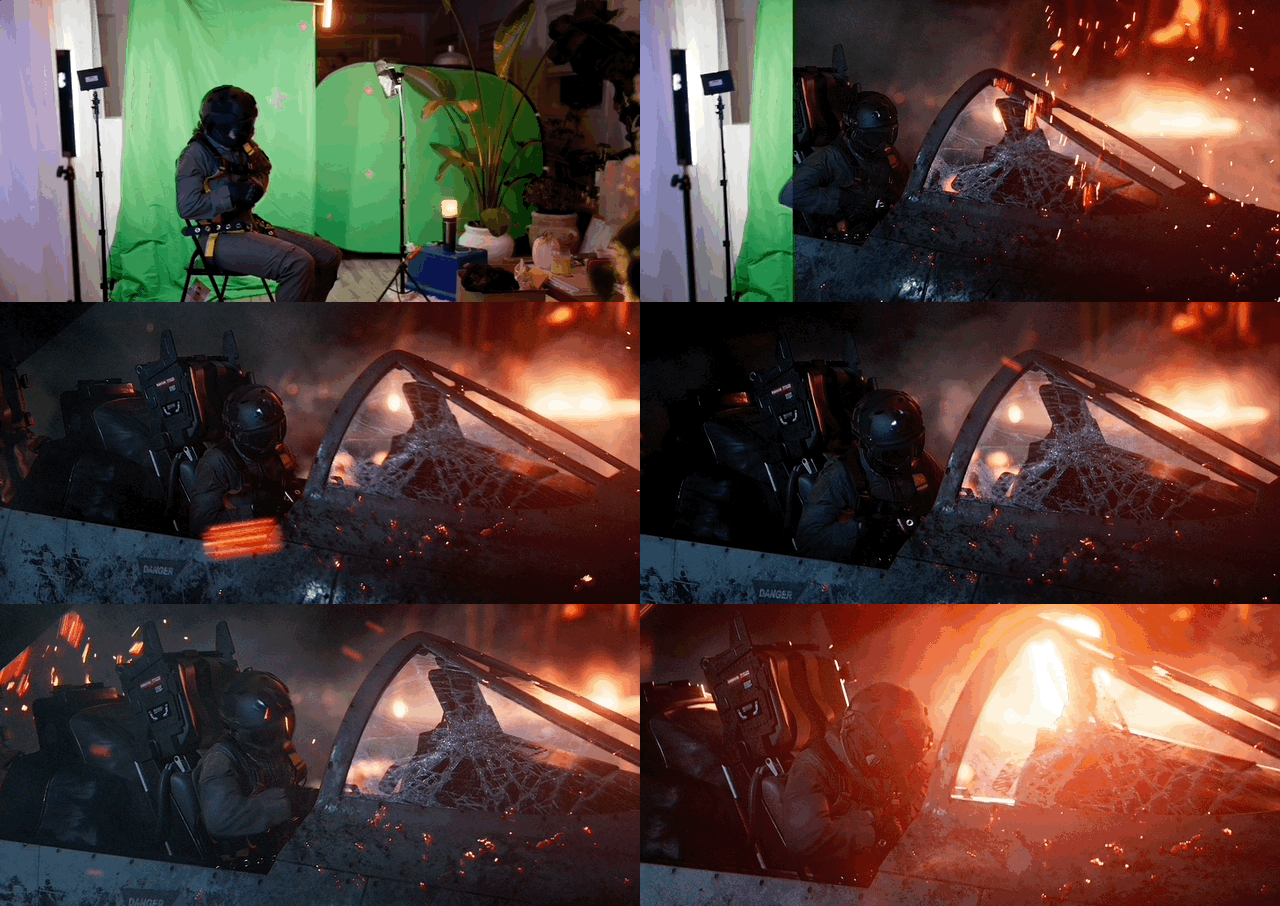
Alex Hanneman from Compositing Academy shows how Beeble's Nuke plugin makes real footage relightable.
A flat greenscreen plate is usually a one-way door: you can key it, grade it, add CG, but you can't re-light the performance as if it were a CG asset. However, Alex does exactly that in his tutorial.
The setup
Alex's workflow is deliberately practical: capture a simple greenscreen plate, build the CG scene in Blender, then use Beeble Studio to generate physically based passes from the live-action footage, so Nuke can treat the plate like a relightable element.
That means you're no longer locked into whatever lighting you managed on the day, which is especially useful when:
- You didn't have DMX/interactive lighting on set.
- You're still deciding where the CG event (explosion, muzzle flash, lightning) will land.
- You need to push a performance into a more dramatic, stylised environment.
The process step-by-step
1) Generate PBR + utility passes from the plate
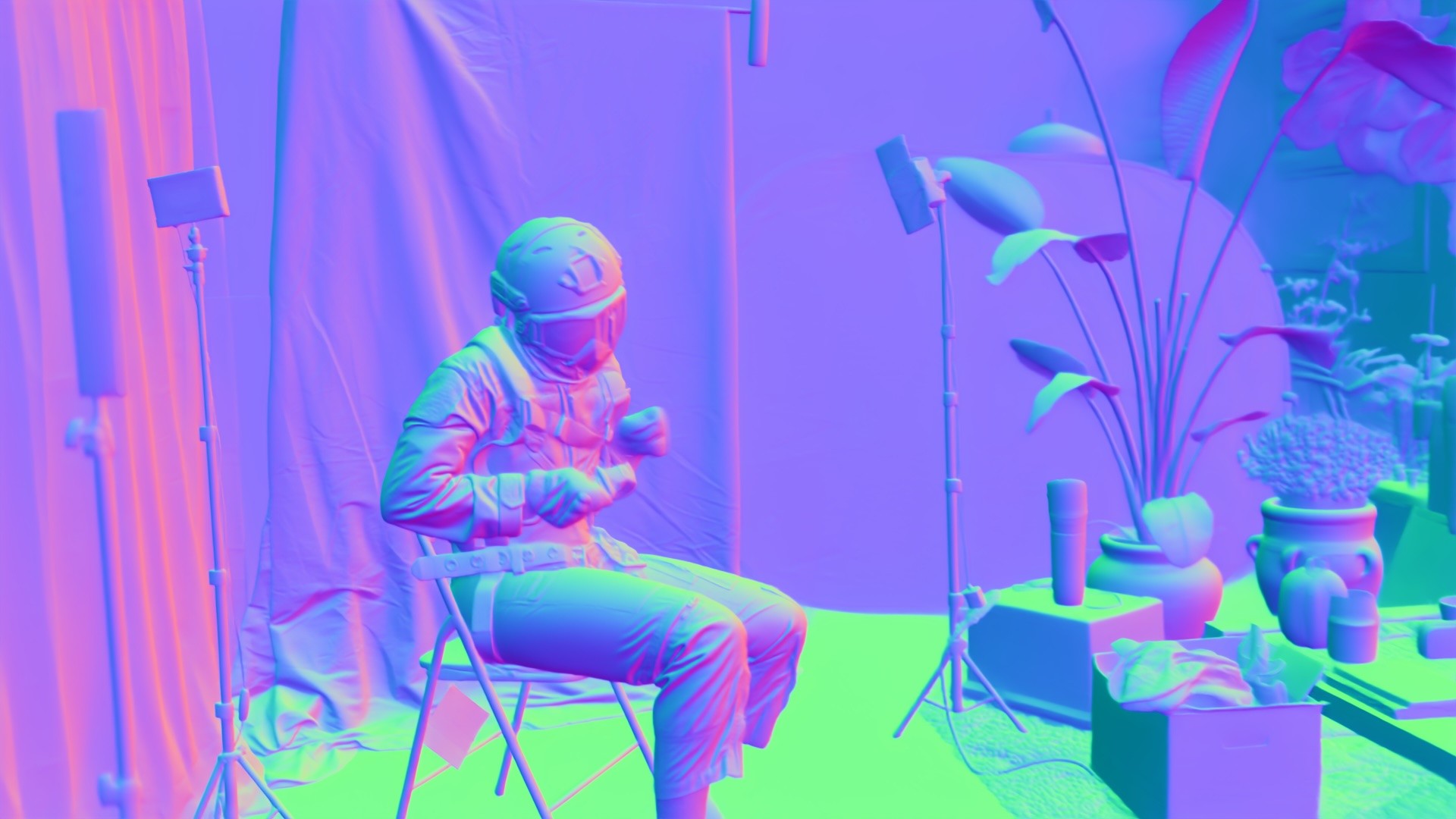
Using Beeble Studio with local processing, Alex generates a full set of passes, including normals, which are key to relighting, plus depth and material maps.
In the breakdown, he calls out passes like:
- Albedo
- Depth
- Normals
- Roughness, specular, metallic
- A rough roto/matte
He also notes an interesting side effect: the albedo result can even out uneven greenscreen lighting, making downstream keying and cleanup easier.
2) Relight directly inside Nuke with the Beeble Nuke plugin
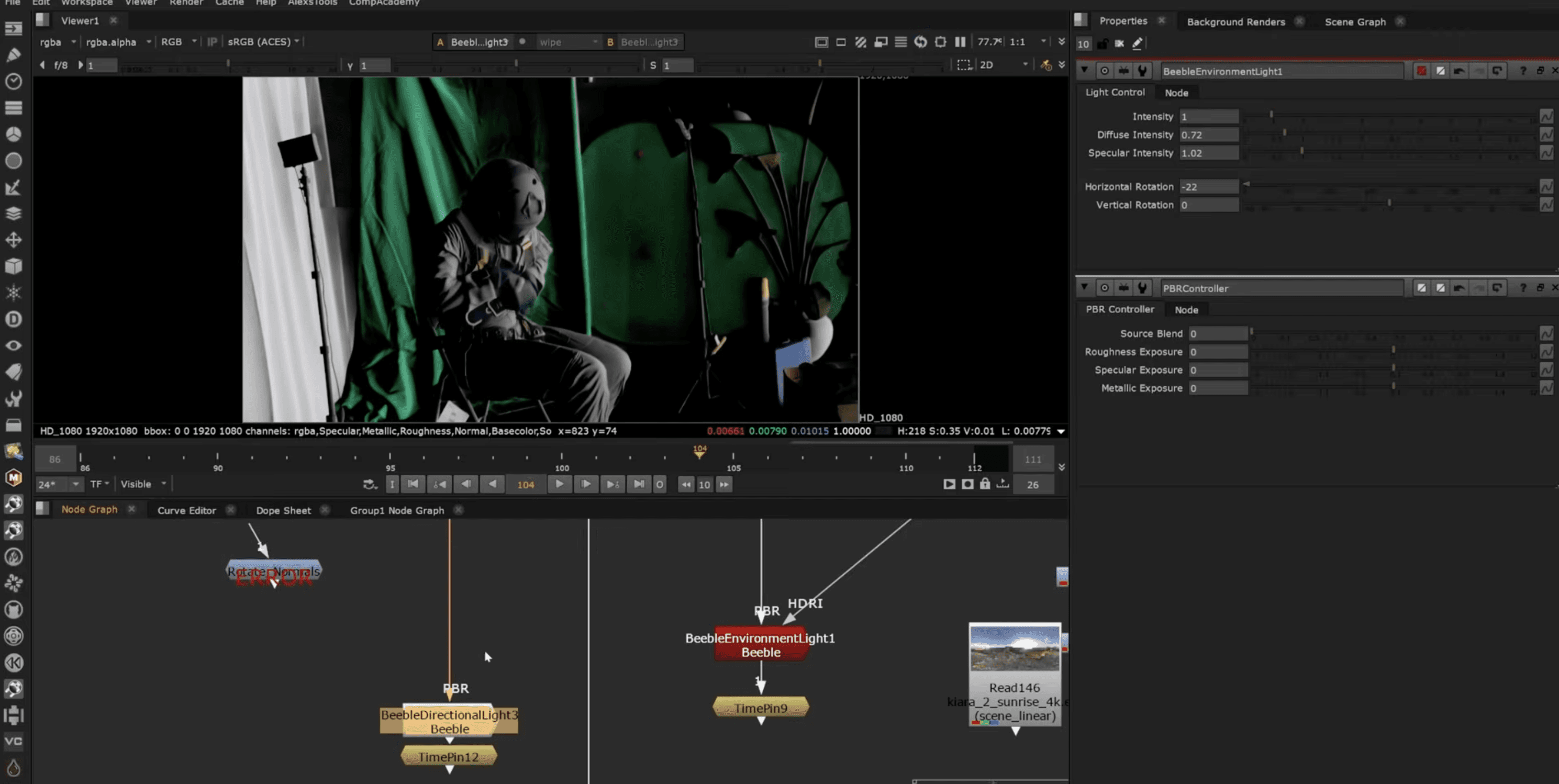
Alex then brings those passes into Nuke via the Beeble Nuke Plugin, which packages the passes into a workflow that plugs into relighting nodes—environment/HDRI, directional, point lights—with controls to rebalance diffuse vs spec.
This is the core win: you can now do the classic CG relighting trick, but on real footage.
3) The explosion reflection trick, and why it looks so convincing
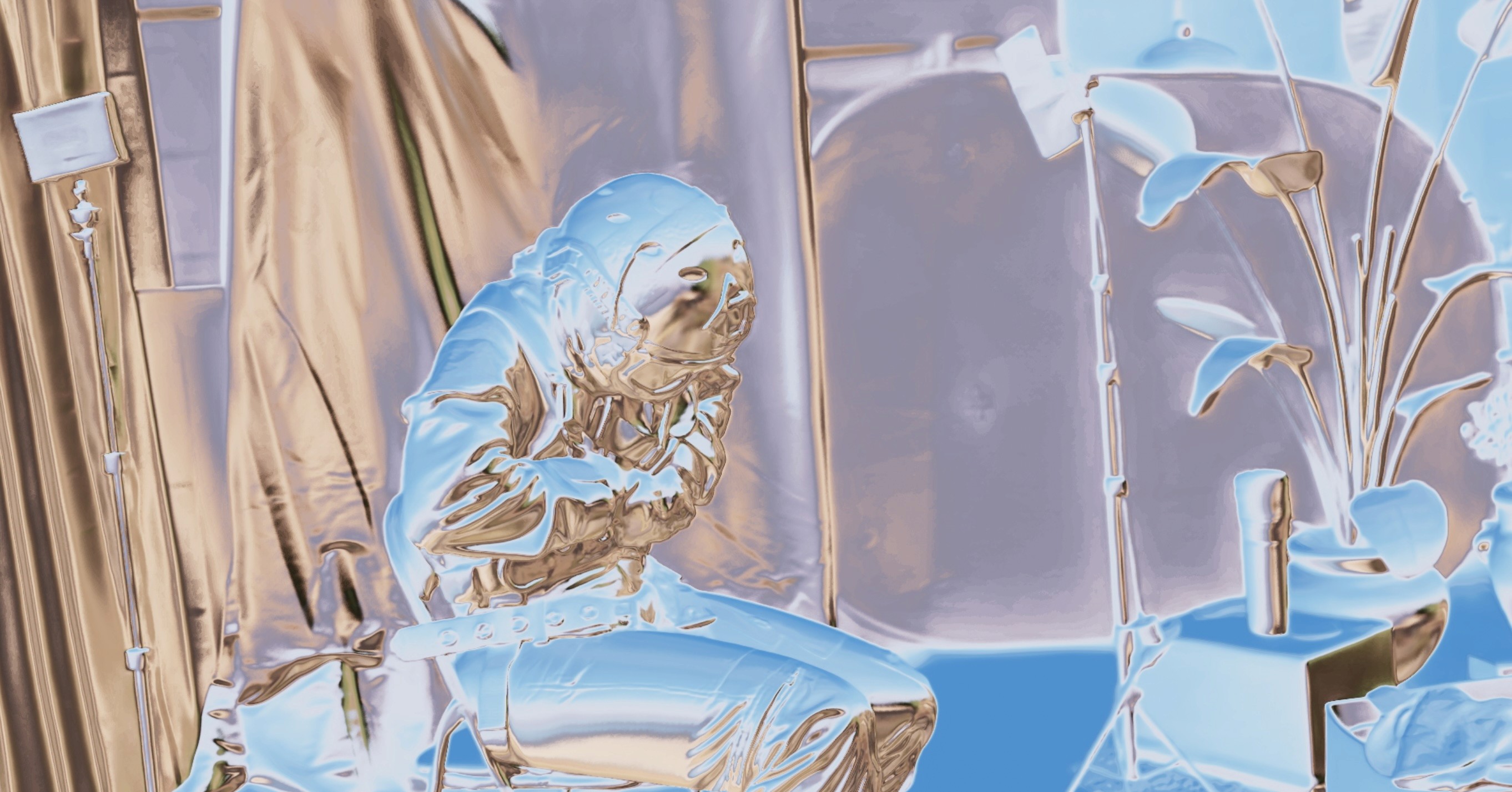
Instead of faking the explosion light with a simple grade, Alex drives a reflection-style projection using a free Nuke gizmo called ReflectionBuddy, feeding it the normals Beeble generated.
That lets him project the explosion footage itself so it:
- Hits at the exact right time.
- Shifts correctly across the surface as the normals change.
- Targets different areas based on the material.
It's also where good comp judgement matters. Alex flags the common plastic look pitfall and fixes it the right way: breaking up highlights, targeting materials separately, and doing proper, localised corrections rather than a single global glow.