AI Rotoscoping vs. Green Screen Keying: Which Do You Need?
Every subject isolation job comes down to one question: did you control the background when you shot, or not? The answer decides which of two very different techniques you need — and which AI model should run it.
Beeble's Background Remover ships both. MatAnyone 2 handles AI rotoscoping on ordinary footage; CorridorKey handles green screen keying. Here's how to choose.
What AI rotoscoping actually does
Rotoscoping is the craft of tracing a subject out of footage that was never shot for extraction — no green screen, no controlled backdrop. Done by hand, it's one of the slowest jobs in post. Done with a tool like After Effects' Roto Brush, it still means propagating a selection shot by shot and cleaning up where it drifts.
AI rotoscoping replaces that with a matting model. MatAnyone 2, the CVPR 2026 Highlight release from NTU's S-Lab, pulls an alpha matte directly from ordinary footage and propagates memory across the shot, so the matte stays consistent through motion instead of flickering frame to frame. Wispy hair, motion blur, and semi-transparent edges survive the whole clip.
What green screen keying does when it's done right
If you did shoot on green, keying should be the easy path — but classic chroma keyers mask pixels by color and hide spill, which is exactly where hair, glass, and motion blur fall apart.
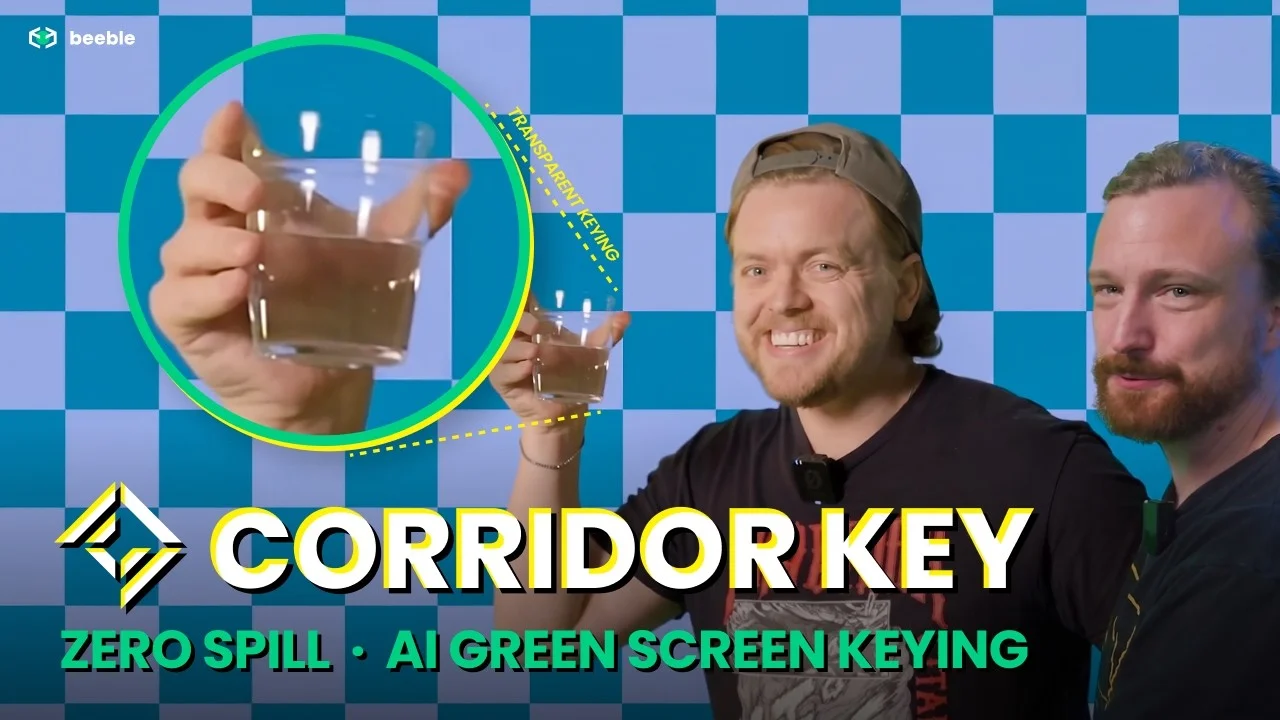
CorridorKey, built by Corridor and licensed on Beeble, treats keying as an unmixing problem instead: it reconstructs the true, un-multiplied color of the subject as if the green screen had never influenced it. Transparency stays transparent, spill is removed rather than desaturated, and the output is a compositor-ready un-multiplied foreground.
Side by side
| AI rotoscoping (MatAnyone 2) | Green screen keying (CorridorKey) | |
|---|---|---|
| Footage | Any — no controlled backdrop | Shot on green screen |
| Approach | Video matting with memory propagation | Unmixing — true foreground reconstruction |
| Spill handling | Not applicable | Actively removed, not hidden |
| Credits | 1 per image / per 30 video frames | 2 per image / per 30 video frames |
| Best for | Location footage, archival, anything unplanned | Planned shoots where edge quality is everything |
So which do you need?
- No green screen? MatAnyone 2. It's the default model in Background Remover for a reason — it mattes footage that was never meant to be keyed.
- Shot on green? CorridorKey. A dedicated keyer beats a general matting model on chroma footage: cleaner edges, true colors, zero spill.
- A mixed project? Use both. The two models share one workspace, one pipeline, and the same exports — alpha mattes (MOV or PNG sequence) and 10-bit RGBA MOV that drop straight into After Effects, DaVinci Resolve, or Final Cut Pro.
Coming from After Effects?
If you're replacing Roto Brush sessions or a plugin-based keyer, the workflow difference is the point: nothing to install, no local GPU, and full resolution up to 4K/60fps for as many as 3,600 frames per run on Professional. CorridorKey's After Effects and Resolve plugin still exists for local work — on Beeble, the same model runs in the cloud. For the full story of how it landed on Beeble, read the CorridorKey launch post.
Sources
Specs verified . Compared: MatAnyone 2 vs. CorridorKey.
- MatAnyone 2 (NTU S-Lab) (github.com)
- CorridorKey (github.com)
- Beeble docs: Background Remover (docs.beeble.ai)
- Beeble docs: Credit policy (docs.beeble.ai)