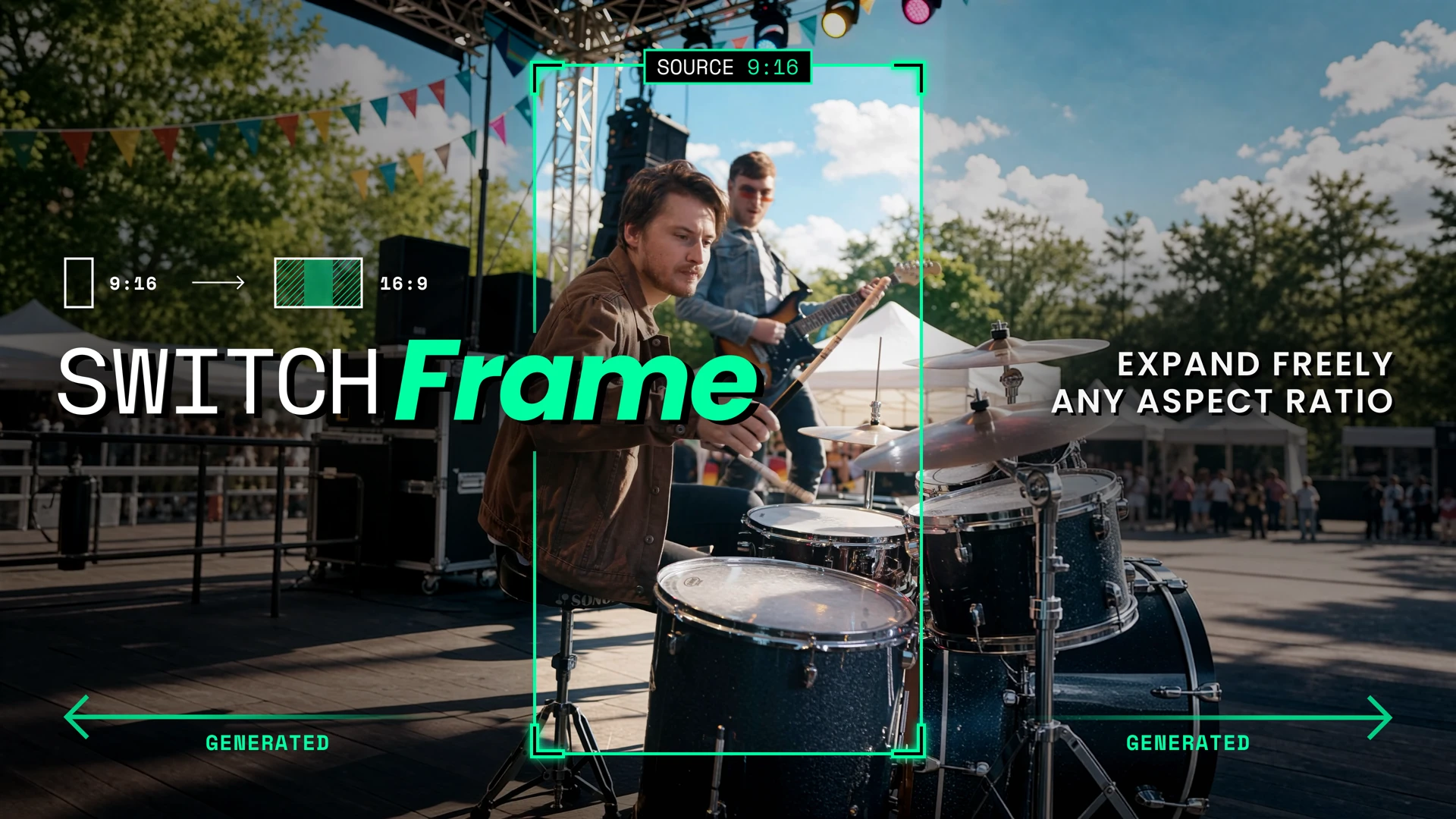
Introducing SwitchFrame
SwitchFrame is Beeble’s own video outpainting model, developed and trained specifically to extend existing footage beyond its original boundaries.
It generates the expanded scene while preserving the original performance, motion, and frame count. A reference image guides the full composition, with control over aspect ratio, source position, scale, and crop.
SwitchFrame powers Reframe on Beeble, supporting shots up to 20 seconds with 4K output and 10-bit color.
SwitchFrame at a glance
- Any aspect ratio. Choose a preset or set your own custom width-to-height ratio to fit the screen or composition you have in mind.
- 20 seconds. 4K. 10-bit color. Sub-second clips are supported, too.
- Preserve shot. Your source stays completely intact, with the original performance, motion, and frame count preserved as the surrounding scene expands.
- Expand freely. Choose where to position the source, how to scale it, and what to crop. Use a reference image to visually direct the expanded scene.
Any aspect ratio
Turn horizontal footage into vertical, expand a vertical shot into ultrawide, or create a composition for a custom screen. Reframe supports 9:21, 9:16, 3:4, 1:1, 4:3, 16:9, and 21:9, alongside custom aspect ratios. The scene expands beyond the original boundaries to fill the format you choose.
Preserve the shot. Expand freely.
SwitchFrame preserves the original performance and camera movement as the surrounding scene expands. With your chosen position, scale, and crop applied, the source region stays aligned frame by frame, and the original frame count is maintained. Position your footage to leave room on any side, scale it down to reveal more of the scene, or crop it to refine the composition. A reference image guides the environment, lighting, and layout of the expanded scene. Create one with Auto Fill or upload your own.
Up to 20 seconds. 4K. 10-bit color.
SwitchFrame supports everything from sub-second inserts to shots up to 20 seconds. Output is available up to 4K with 10-bit color, providing the resolution and tonal precision needed for further editing and color work. Short clips keep their intended length, and longer takes retain the timing of the original performance.
See the expansion
Drag the divider to compare each source with its reframed result. The source is shown at its position and scale inside the output canvas; black space marks the area beyond the original frame.
Pizza
Surreal Desert
Office Break
Headphones
Kyoto Camera
City Traffic
Subway Arrival
Bedroom Dance
Headphones Walk
Café Portrait
Put SwitchFrame to work
SwitchFrame is available in the Beeble cloud app: as a Reframe node in the canvas, or on the standalone Reframe page.