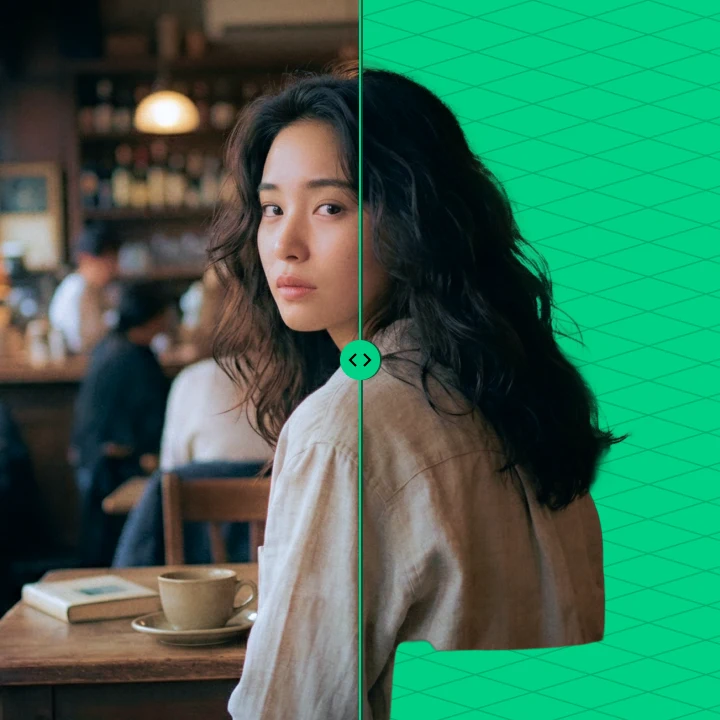
LIGHTNING-FAST
Upload footage. Background removed in seconds.
BACKGROUND REMOVER
AI background removal in seconds. No green screen required.
Pull a clean alpha matte from any image, video, or image sequence.
01/ CAPABILITIES
Upload footage. Background removed in seconds.
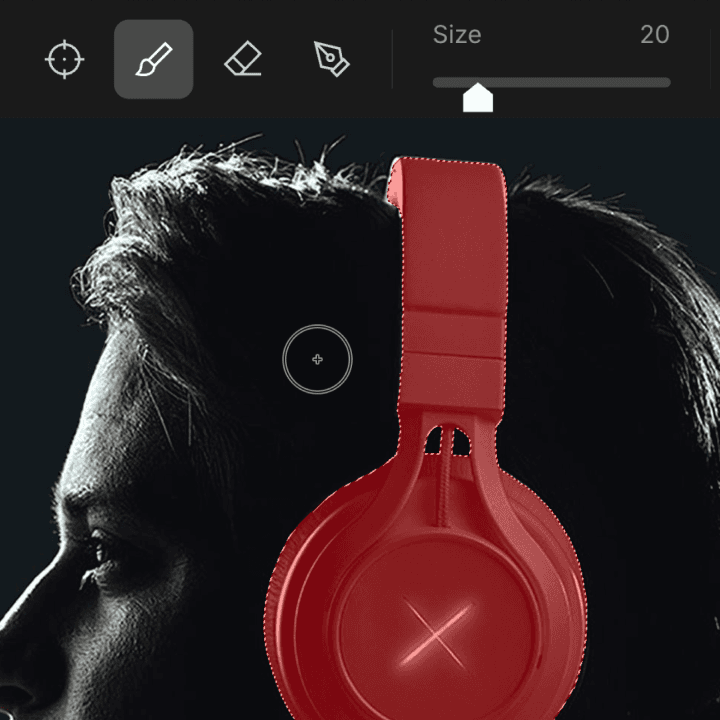
Select your subject. Simply mask what you want to keep.
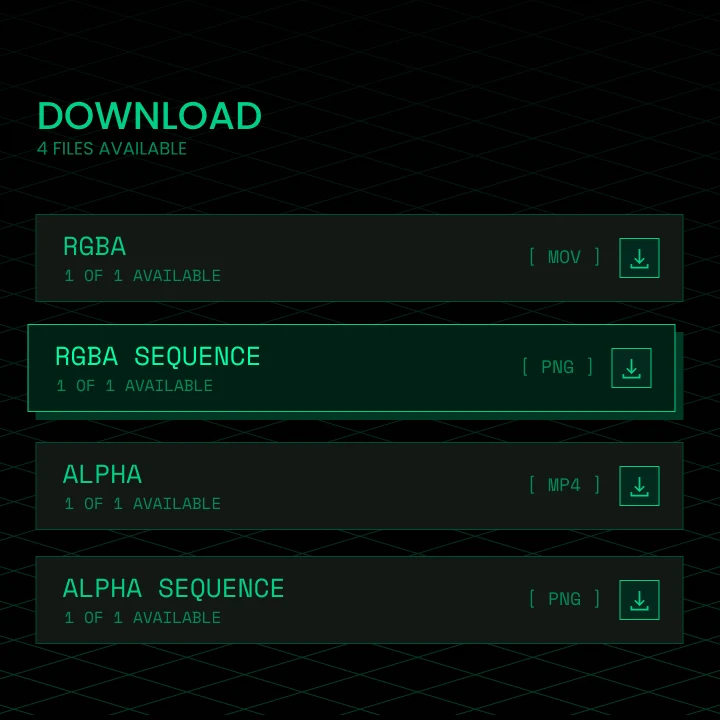
Export as a clean matte or background-free source, ready for Nuke, After Effects, DaVinci Resolve, and Premiere Pro.
The default model. Pulls a clean foreground matte from ordinary footage: no controlled backdrop, no manual masking. Read the Background Remover launch post.
EXPLORE MATANYONE 2 →Shot on green? Purpose-built for green-screen keying, with spill removal for chroma key footage. Read the CorridorKey launch post.
EXPLORE CORRIDORKEY →02/ HOW IT WORKS
Drop in a video, an image sequence, or a single image. MP4, MOV ProRes, PNG, and JPG are all supported.
The server extracts a keyframe with a rough alpha. Mask what you want to keep in Edit Alpha, or Skip Review to run everything automatically.
Cloud GPUs track your subject and extract the matte across every frame.
Grab the grayscale alpha, the transparent RGBA version, or bulk-download completed jobs as ZIPs.
Open Background Remover in your browser,
upload a shot, and preview the matte before you run.