Introducing SwitchX 2.0
SwitchX is a video-to-video model where you can switch the background, lighting, and literally anything in your video with production-level quality.
Today we're announcing SwitchX 2.0 — 4K, 10-bit, 20 seconds, camera tracking, and improved source tracking for fast motion.
Core technology: Source-Locked Rendering
Every generative video model can change a scene. Very few can do it without changing the subject. And when identity matters, even a subtle shift is a deal-breaker. Source-Locked Rendering is our answer: complete pixel alignment with your source, so what you protect stays untouched.
And because the output is pixel-aligned, you can treat it like a compositing layer: overlay the result on your source and nothing drifts. It works on three inputs.
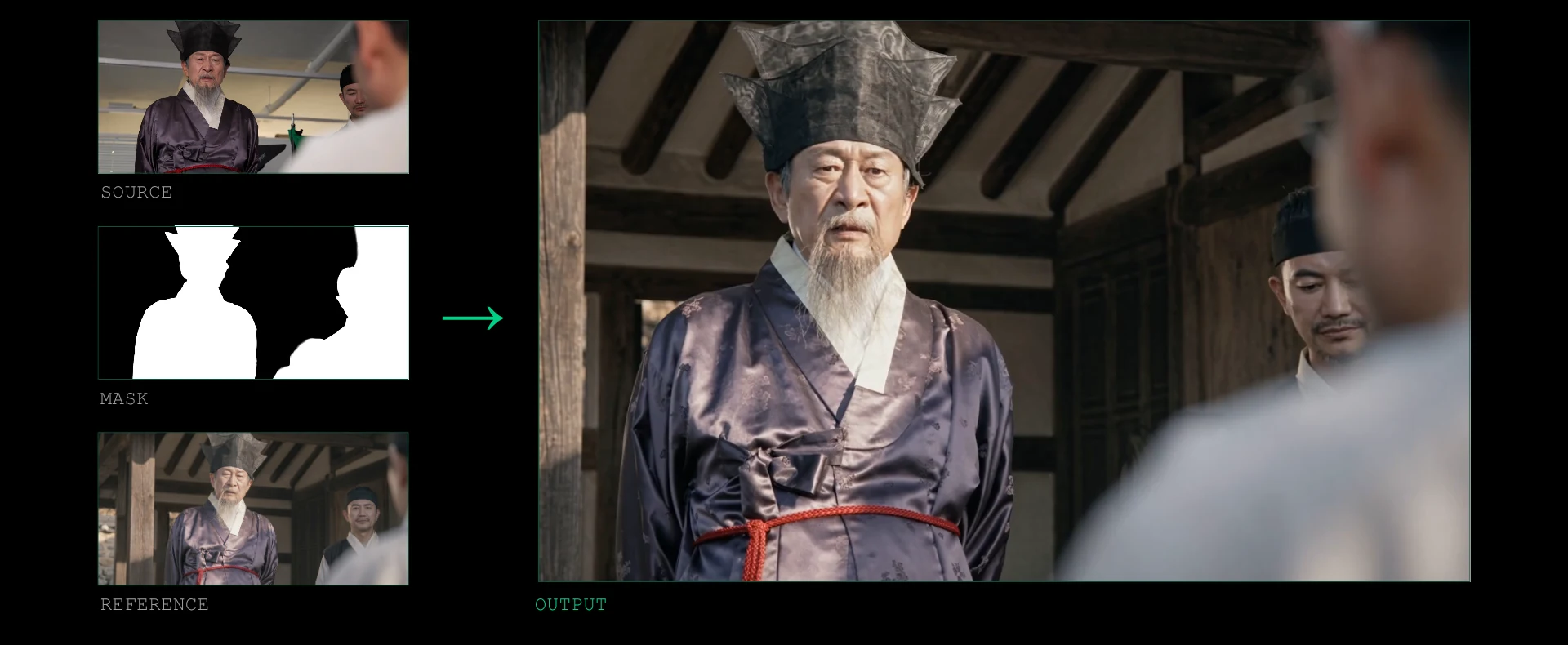
01 · Source video
Your footage: the performance, framing, and timing you already shot.
02 · Mask
White means keep these pixels exactly, only relight them to match the new environment. Black means generate this region fresh, following the reference.
03 · Reference image
A single frame showing how you want the shot to look. Outside the white region of the mask, the model brings in the reference's environment; inside it, only the reference's lighting. The reference is the single most important input to get right, and the full guide to designing one is in the SwitchX docs.
What's new in 2.0
1.0 introduced the workflow: source, mask, reference. 2.0 keeps it untouched and brings five core updates:
- Longer shots, raising the maximum duration to 20 seconds at 24fps.
- Native 4K output, increased from 1080p.
- 10-bit color depth, up from 8-bit.
- Improved camera tracking, so generated results follow the camera movement of the source footage far more closely.
- Enhanced motion fidelity, with better handling of fast movement and lip synchronization.
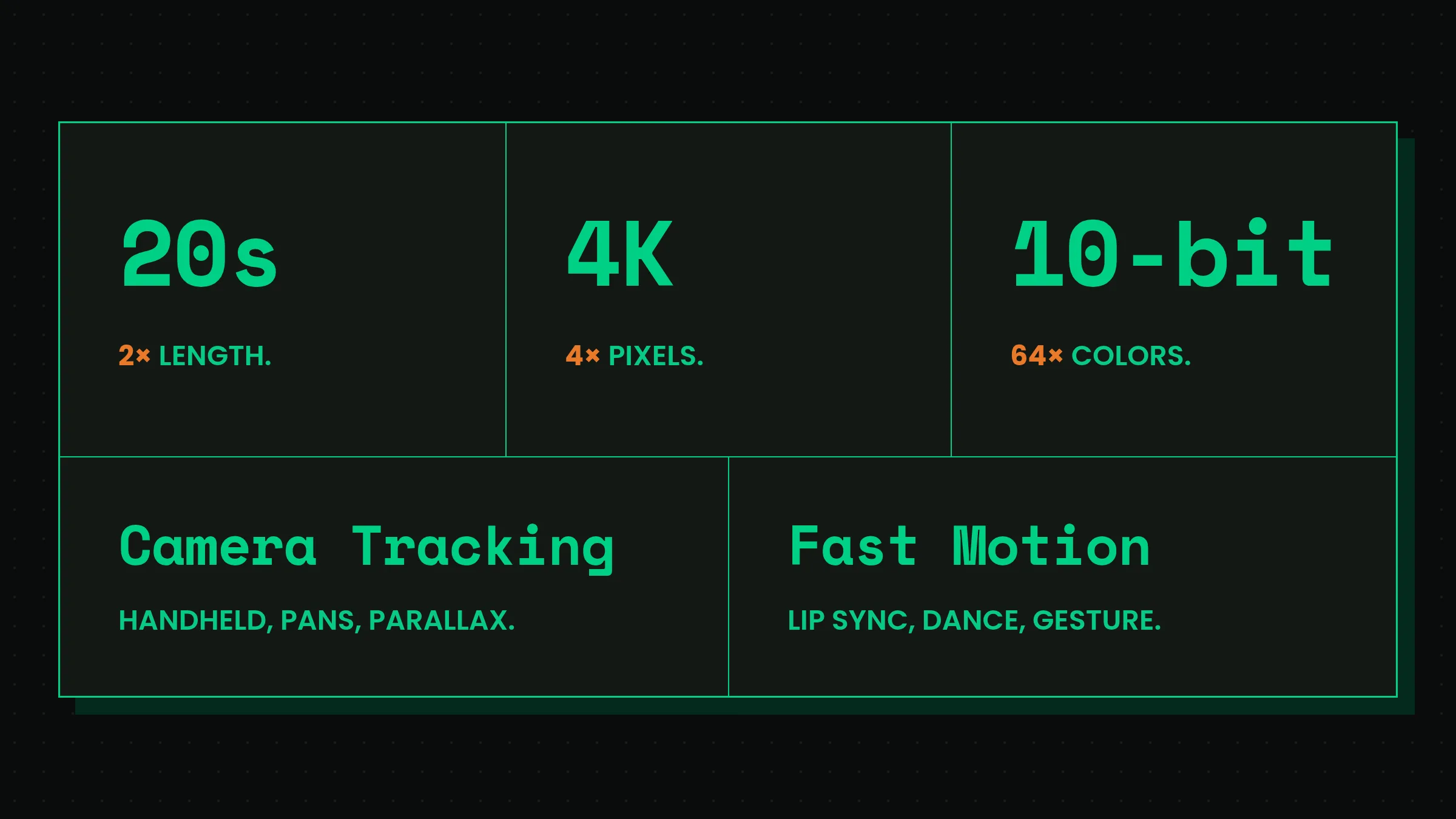
20 seconds. The maximum clip length goes from 10 to 20 seconds: up to 480 frames, always matching the source frame count.
4K. Output resolution goes from 1080p to 3840×2160. The model reads the full-resolution source while rendering, so the detail comes from your footage, not from an upscaler.
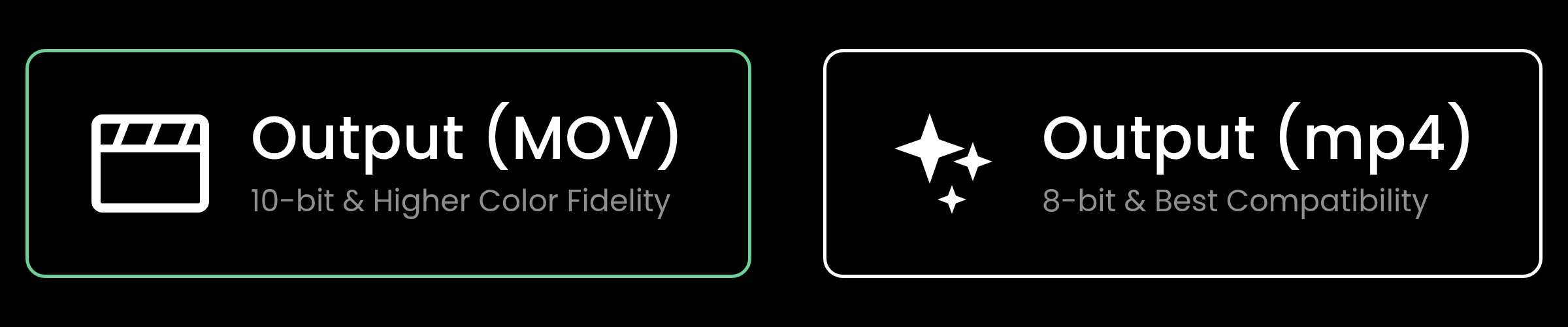
10-bit color. Output bit depth goes from 8 to 10 bits per channel: 1,024 levels instead of 256. The extra levels keep gradients from banding when you push exposure or contrast in the grade.
Camera tracking. One of the two places 1.0 struggled hardest. 2.0 follows the source camera through handheld, pans, and parallax, so the generated environment moves exactly with your shot.
Fast motion. The other: fast movement (lip sync, dance, gesture), where video models smear or drift off the performance. 2.0 holds the detail.
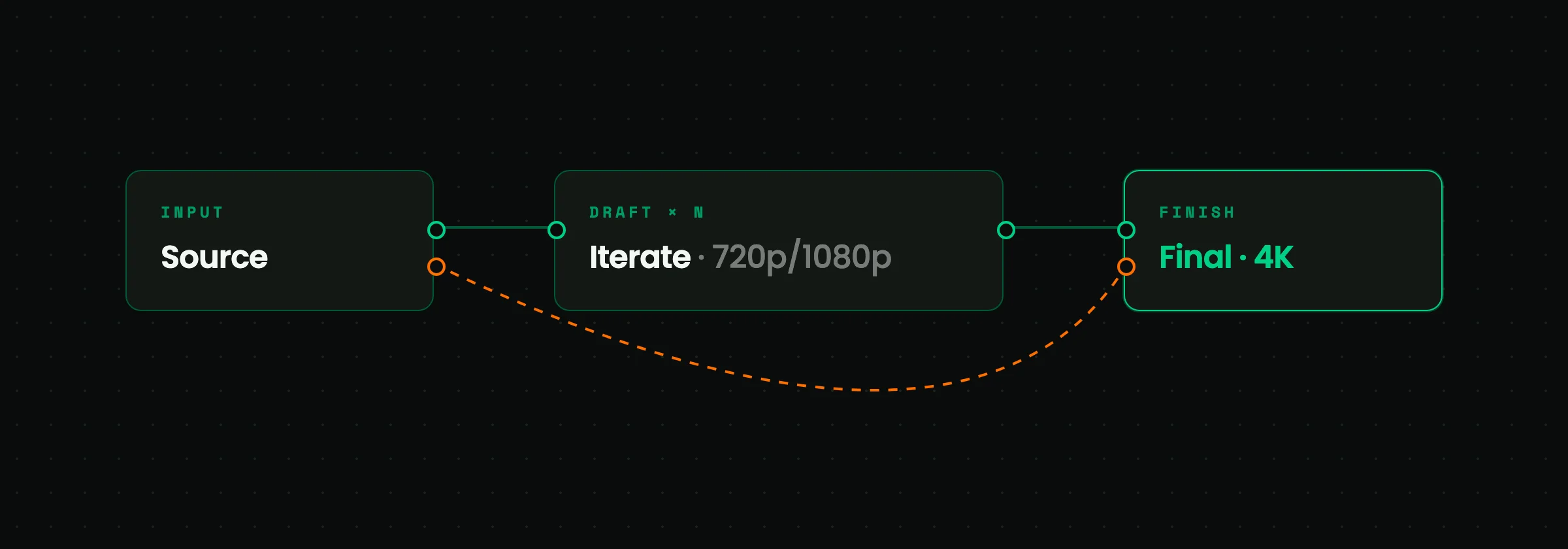
Iterate fast, finish in 4K. A 4K pass is expensive, so 2.0 builds the workflow around it: iterate at 720p or 1080p, and finalize in 4K only when you are happy with the result. The final pass goes back to your original source and recovers its real detail, the same result as generating natively in 4K, without spending 4K credits on drafts.
Everything from 1.0 carries over
Clips shorter than 3 seconds, usually a dead zone for video models, work. Frame count matches exactly. Aspect ratio never changes. The details that make a model usable in real VFX work.
What you can do with it
The core workflow is background + relighting. But the mask is a general tool: most of what a VFX breakdown calls a shot is within reach of the same three inputs. A run through the cases, every pair straight from 2.0:
And this is the short list. The full reel, masks and all, lives in the SwitchX showcase.
Put SwitchX 2.0 to work
SwitchX 2.0 is available in the Beeble cloud app: as a node in the canvas, or on the standalone SwitchX page.