Launching Canvas: AI compositing for production
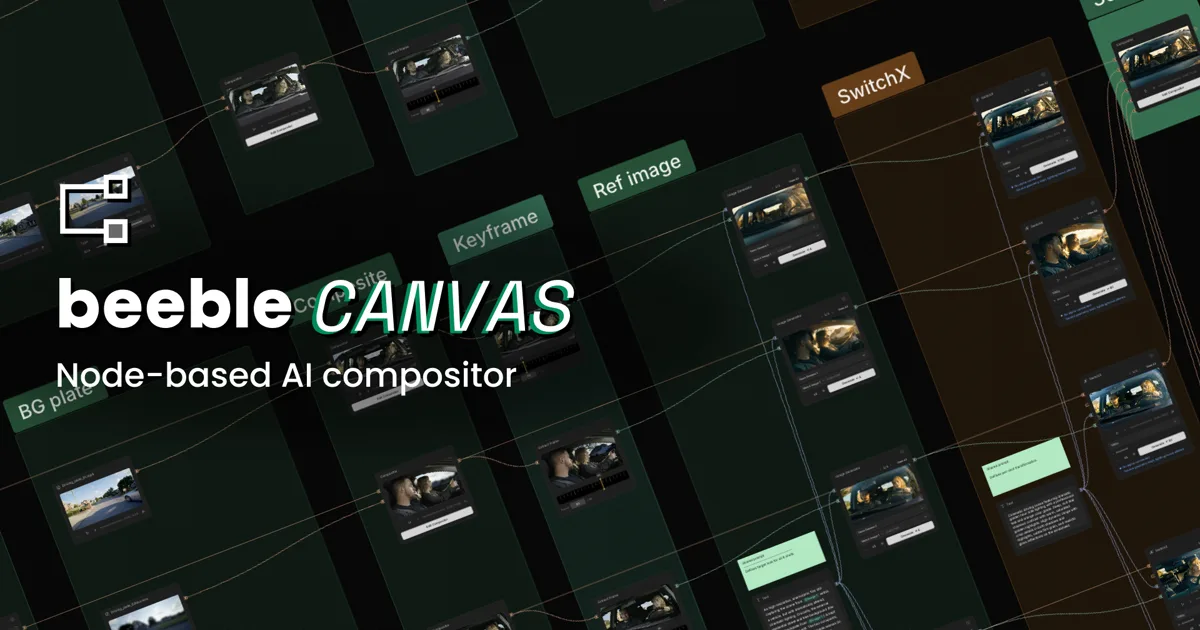
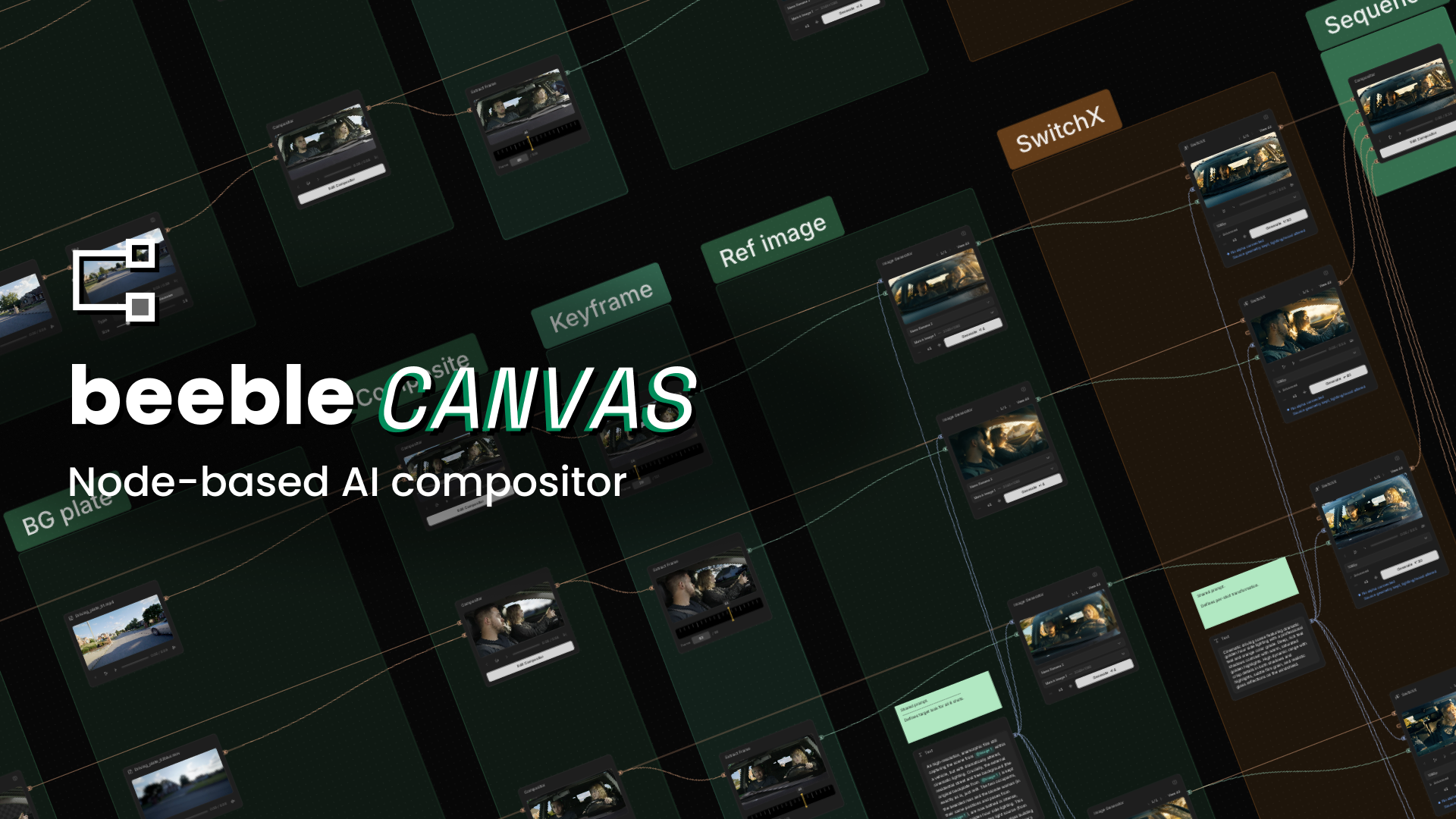
Canvas brings together AI models, compositing tools, and workflow automation in one node-based environment, giving artists and production teams a more controllable, scalable way to create and refine visual content.
For the last few years, AI video has advanced at an incredible pace. New models are appearing every month, producing increasingly impressive results. Yet anyone working in professional VFX, post-production, or virtual production knows that generating an image or a video is only a small part of the challenge. The real work begins when those assets need to be integrated into a production pipeline, refined through multiple rounds of feedback, matched across sequences, and delivered at a professional standard.
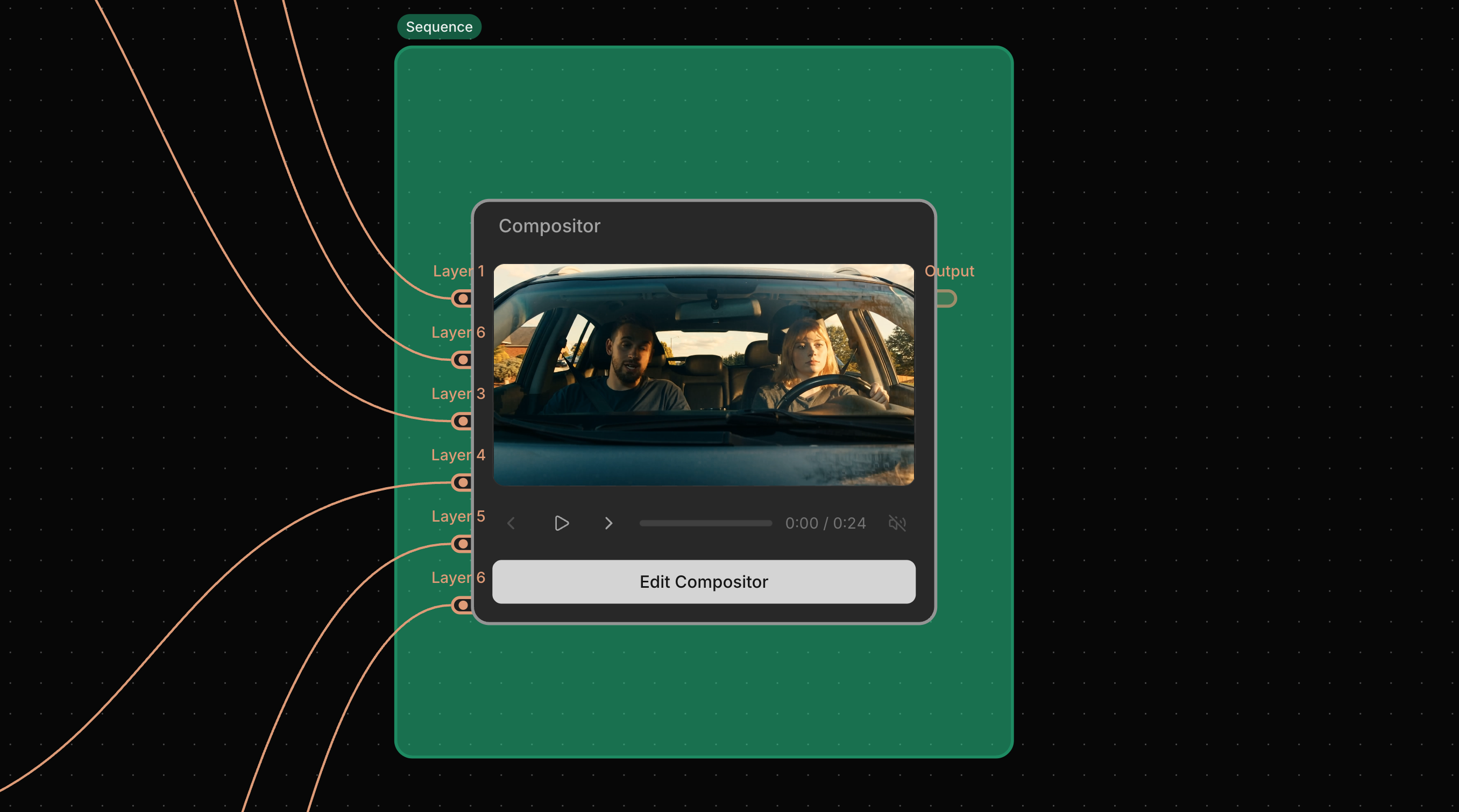
That reality is what inspired us to build Canvas, our new node-based AI compositor designed specifically for professional production workflows. Built for filmmakers, post-production teams, content creators, and video editors, our tool combines AI generation, compositing tools, and workflow automation in a single visual environment.
Footage provided by ActionVFX
Why we built Canvas
Professionals need the freedom to combine different tools, compare creative directions, make precise adjustments, and revisit decisions throughout the production process. In reality, that often means stitching together multiple AI models alongside traditional compositing techniques, creating workflows that can quickly become fragmented and difficult to manage.
We built Canvas to bring those workflows together in a single visual environment, where AI generation and compositing work side by side rather than in separate applications.
Bringing the best AI models together
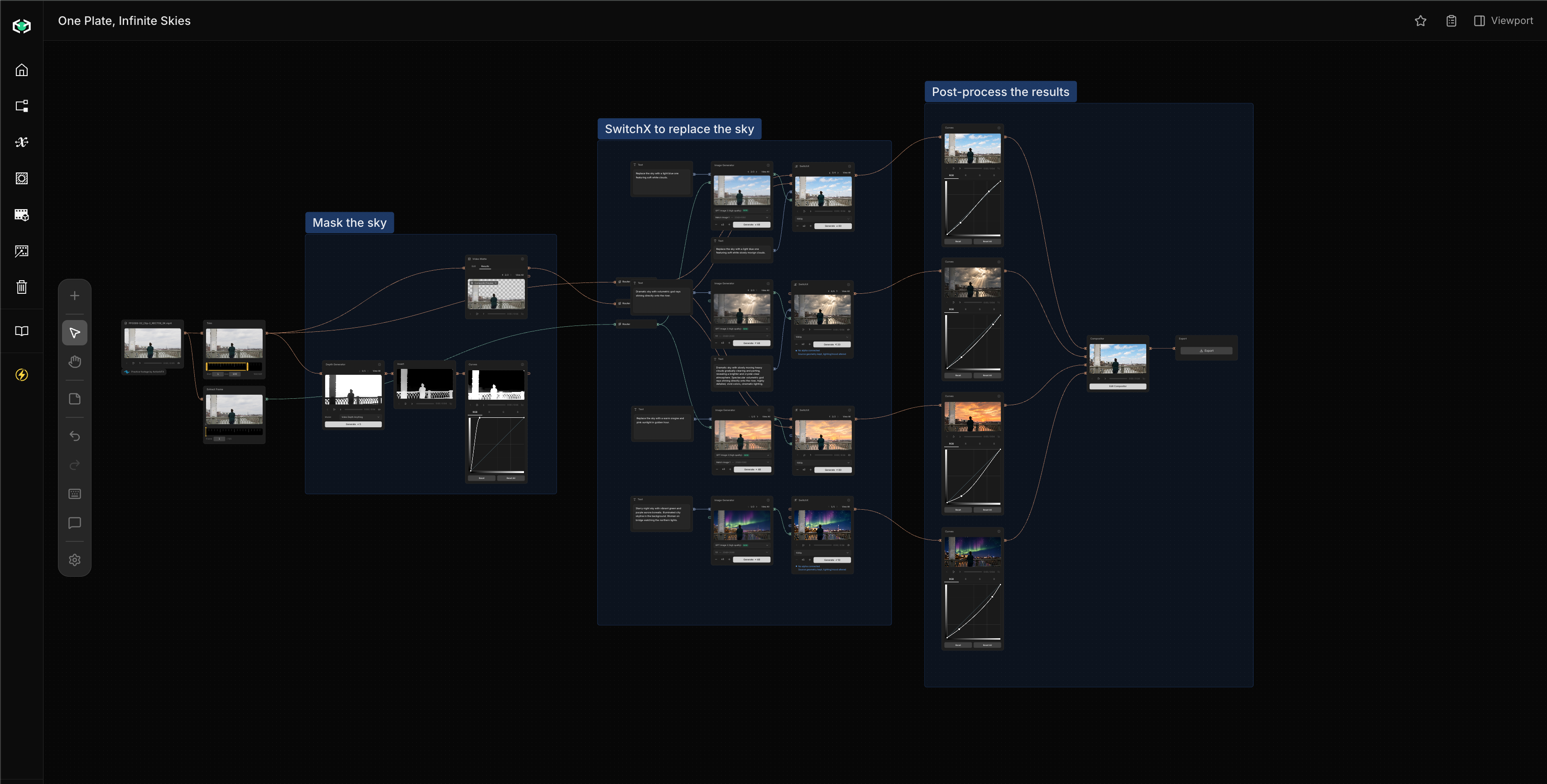
Canvas provides native access to Beeble's core technologies, including SwitchX for video-to-video transformation, SwitchLight for generating PBR passes such as normal maps, and AI-powered rotoscoping tools such as MatAnyone and Corridor Key.
At the same time, we've designed Canvas as an open platform. Artists can also work with leading external models such as Seedance 2.0, Kling 3.0, Nano Banana, Depth Anything, and Qwen, making it easy to combine the best tools for each task without constantly switching between applications.
Built for iteration
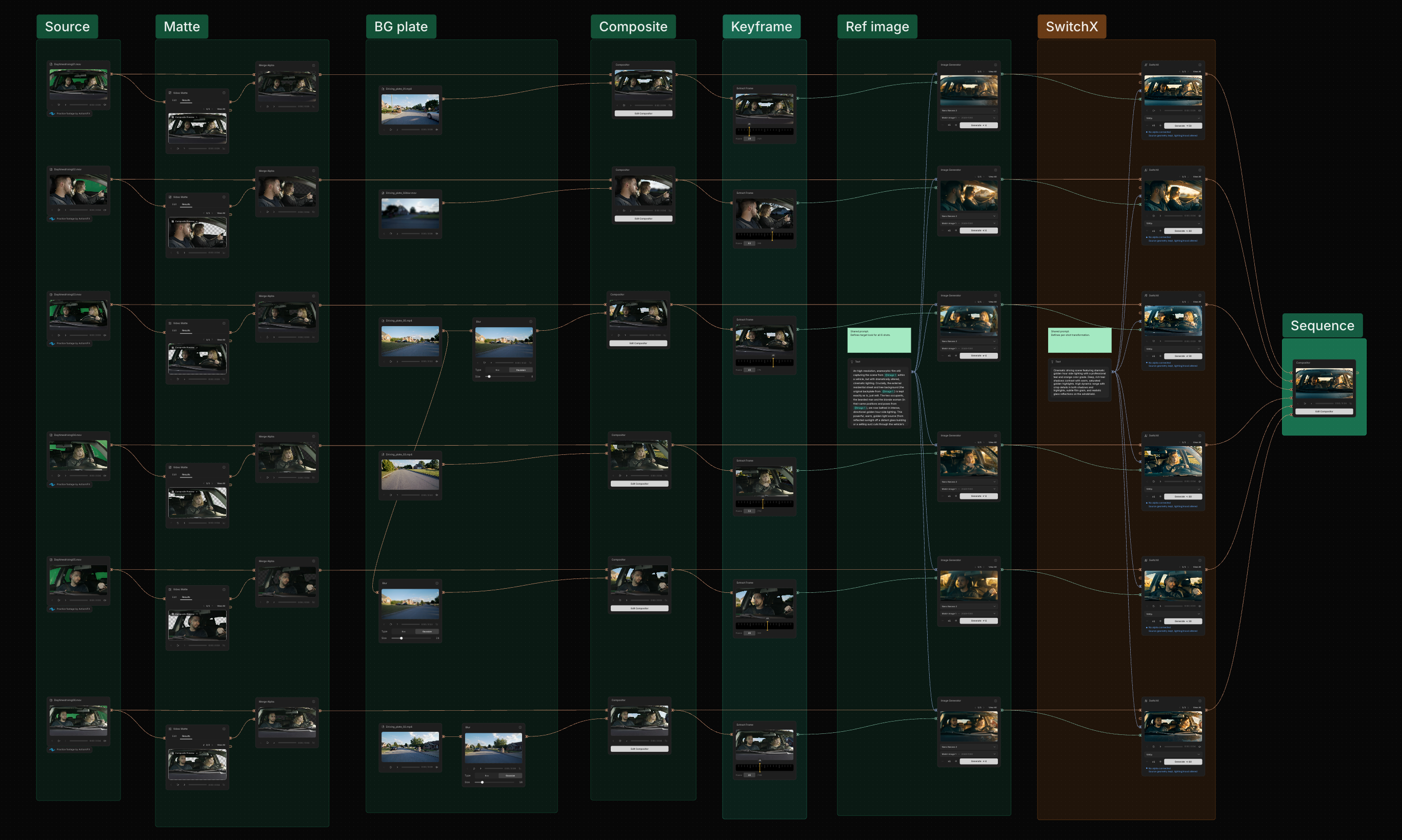
Creative work rarely follows a straight line. With Canvas, you can build reusable node graphs, generate and compare multiple variations, batch process workflows, and refine results without rebuilding pipelines for every shot.
Every step remains visible and editable, making experimentation faster while preserving full creative control.
More than an AI tool
Canvas is a production environment designed to connect AI generation, compositing, and workflow automation into a single system.
By bringing these elements together, you get a faster and more flexible way to create production-ready content while maintaining the precision and control that professional work demands.
Canvas is available now, and we can't wait to see what you create with it. For further technical details, visit our documentation page.